Login to manage your information

Login Register

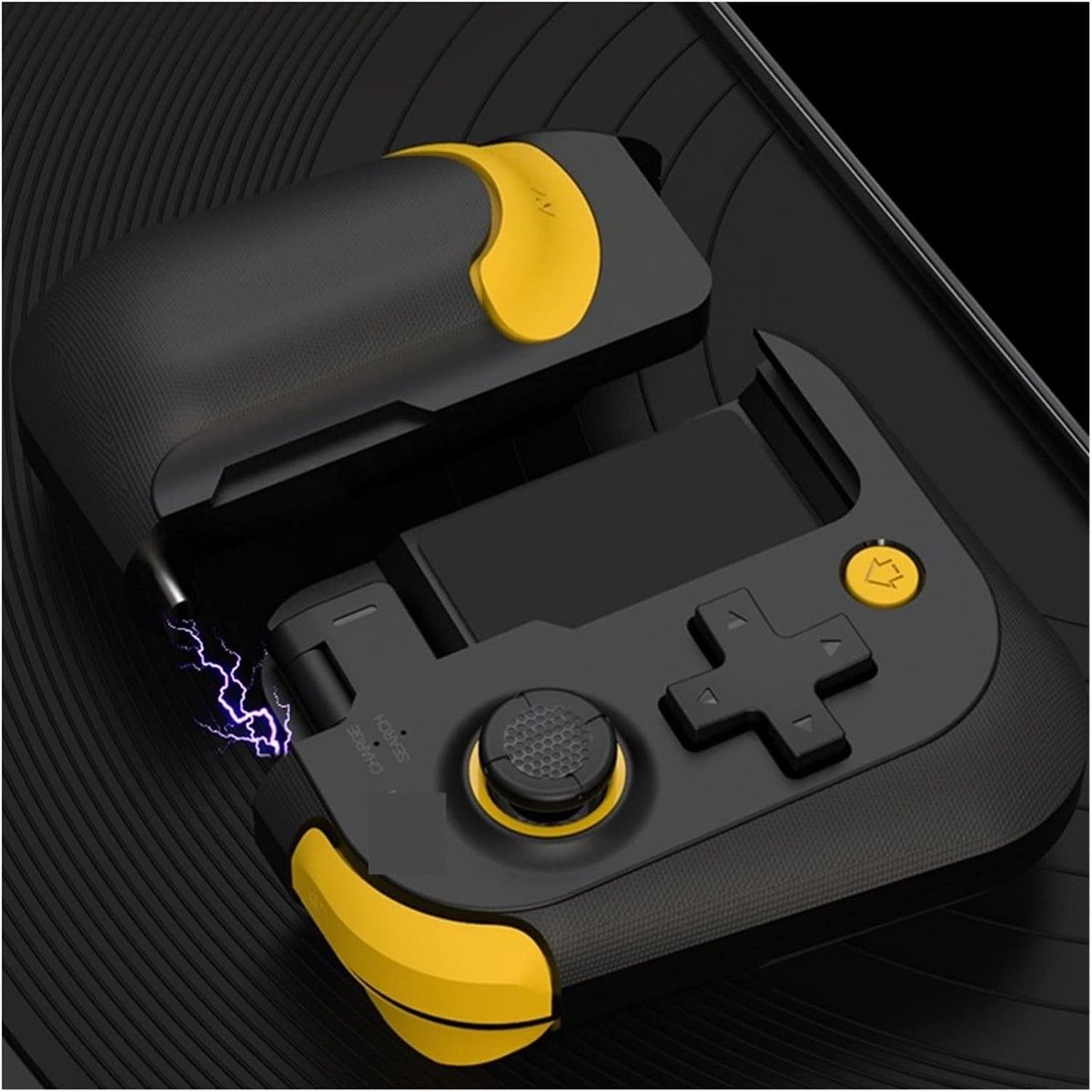
Mobile Phone Gamepad Bluetooth Game Controller Compatible with iOS Android

  • Mobile Phone Gamepad Bluetooth Game Controller Compatible with iOS Android
  • Mobile Phone Gamepad Bluetooth Game Controller Compatible with iOS Android
  • Mobile Phone Gamepad Bluetooth Game Controller Compatible with iOS Android
  • Mobile Phone Gamepad Bluetooth Game Controller Compatible with iOS Android
  • Mobile Phone Gamepad Bluetooth Game Controller Compatible with iOS Android
PID: 69171
(0)
$39.95
$79.95
50% OFF
4 installments with ,
+ Delivery
ETA: 7 - 15 business days

Shipping Carrier: International Registered Post

Ships from and sold by Globaloutlet

We proudly accept:

Buy Now
contact us for more discounts on bulk buys

Item Description

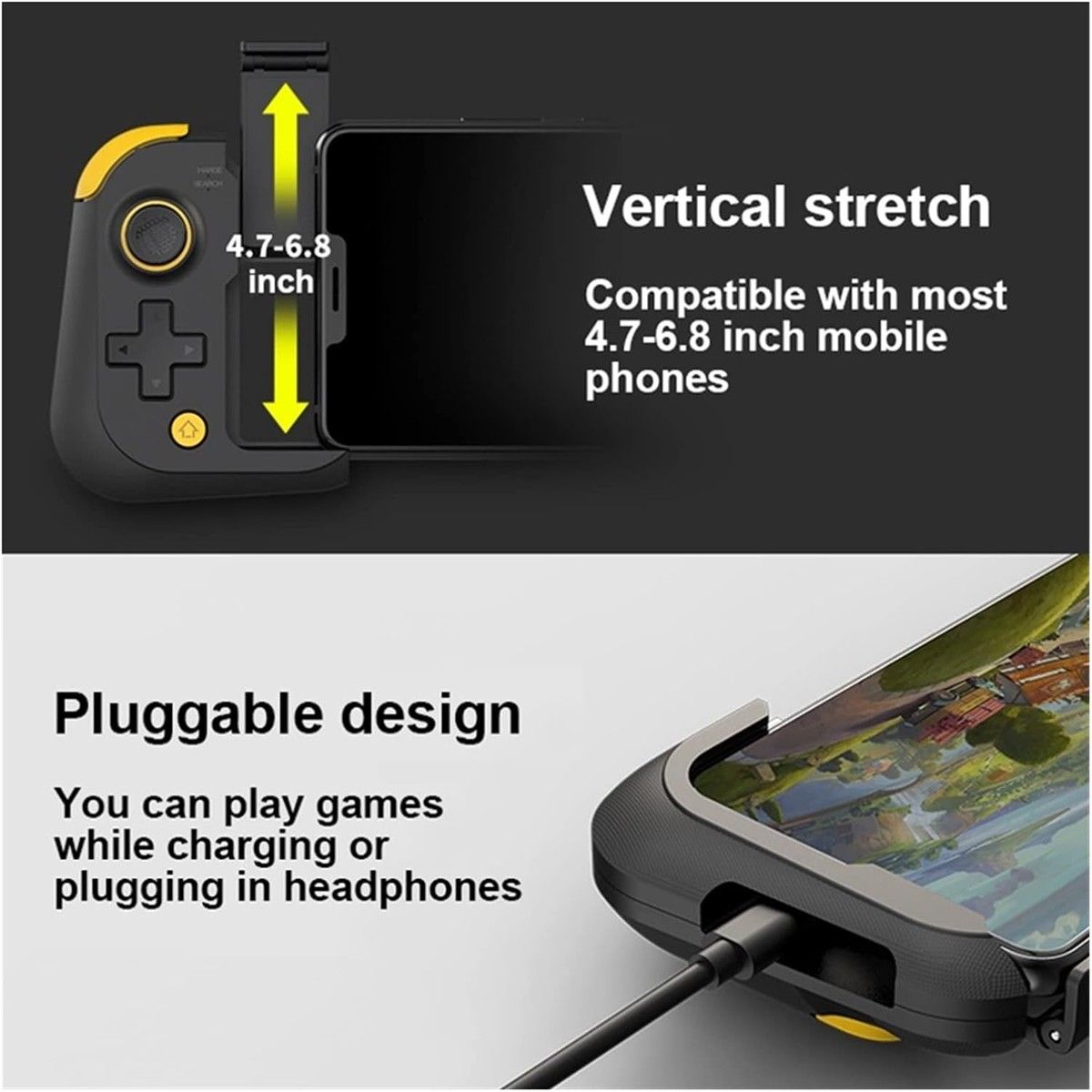
Mobile Phone Gamepad Bluetooth Game Controller Deformable Joystick Compatible with iOS Android with Storage Bag

Features

  • High durability and stability.
  • Instant connection and play, comfortable hand feeling.
  • Easy to control and enjoyable experience.
  • Solid material, light weight and durable.
  • Make you have a comfortable and pleasant gaming experience.
  • 1. Before using this product, please go to the Android App Store Download and install the "ShootingPlus V3" software.
  • Connect the phone and the handle Compatible with the first time, press and hold the left handle cross key
  • "Up key" at the same time pull up the phone holder to start the pairing mode,
  • The connection indicator flashes quickly, entering the Bluetooth pairing connection state
  • 2. Put the phone into the phone holder and clamp it, find and click "PG-9211" in the Bluetooth device list of the phone
  • Pairing connection, the connection indicator is always on after the connection is successful
  • 3. Open the "ShootingPlus V3" APP, enter the APP interface, click OK in the pop-up prompt interface,
  • It will enter another interface and click "Activate Mode".
  • Flip the toggle switch on the side of the right handle to the active position! ! Insert the TYPE-C plug of the right handle into the TYPE-C port of the mobile phone.
  • 4. After the activation is successful, pull up the mobile phone holder on the right handle, the connection indicator on the right handle flashes quickly, put the mobile phone into the mobile phone holder and
  • clamp
  • 5. The right handle is automatically connected to the left handle, and the connection indicator is always on after the connection is successful
  • 6. Open the "ShootingPlus V3" software, select the activation mode, the software comes with the default key configuration of popular games, players can click
  • To play the game icon, download the preset, then use the preset key position in the game, or click "ShootingPlus V3" in the game
  • The floating window is used to set the key position. Compatible with details, please refer to the "Android/IOS Direct Play Key Mapping Function" column of this manual.

Warranty

This product comes with a 30 Days Manufacturer's Warranty, please click here for details.

For warranty and returns assistance please contact us.

Statutory conditions and warranties also apply.

Add to Cart
X

Notify me when the item is restock!


*please input your name


*please input your email


*please input verify code

I would like to receive your Newsletter to be the first to know about hot offers!
×

① For first time Afterpay customers the first payment will be made at the time of purchase, with payments over 6 weeks. Existing Afterpay customers first payment will be made in 14 days, with payments over 8 weeks. The full payment schedule will be provided to you at time of purchase.

② If you fail to have sufficient funds available for a afterpay to automatically deduct payment on due installment dates you will be charged a late fee of $10 and if the installment payments remains overdue one week late, an additional $7 will be charged.

zip