Login to manage your information

Login Register

Wireless Carplay Adapter for iOS 10.0+,LED Ambient Light USB Car Play,Wired to Wireless Carplay,Plug & Play,Online Update

  • Wireless Carplay Adapter for iOS 10.0+,LED Ambient Light USB Car Play,Wired to Wireless Carplay,Plug & Play,Online Update
  • Wireless Carplay Adapter for iOS 10.0+,LED Ambient Light USB Car Play,Wired to Wireless Carplay,Plug & Play,Online Update
  • Wireless Carplay Adapter for iOS 10.0+,LED Ambient Light USB Car Play,Wired to Wireless Carplay,Plug & Play,Online Update
  • Wireless Carplay Adapter for iOS 10.0+,LED Ambient Light USB Car Play,Wired to Wireless Carplay,Plug & Play,Online Update
  • Wireless Carplay Adapter for iOS 10.0+,LED Ambient Light USB Car Play,Wired to Wireless Carplay,Plug & Play,Online Update
  • Wireless Carplay Adapter for iOS 10.0+,LED Ambient Light USB Car Play,Wired to Wireless Carplay,Plug & Play,Online Update
  • Wireless Carplay Adapter for iOS 10.0+,LED Ambient Light USB Car Play,Wired to Wireless Carplay,Plug & Play,Online Update
  • Wireless Carplay Adapter for iOS 10.0+,LED Ambient Light USB Car Play,Wired to Wireless Carplay,Plug & Play,Online Update
PID: 73670
(0)
$54.99
$99.99
45% OFF
4 installments with ,
+ Delivery
ETA: 7 - 15 business days

Shipping Carrier: International Registered Post

Ships from and sold by Globaloutlet

We proudly accept:

Buy Now
contact us for more discounts on bulk buys

Item Description

Conditions of Use

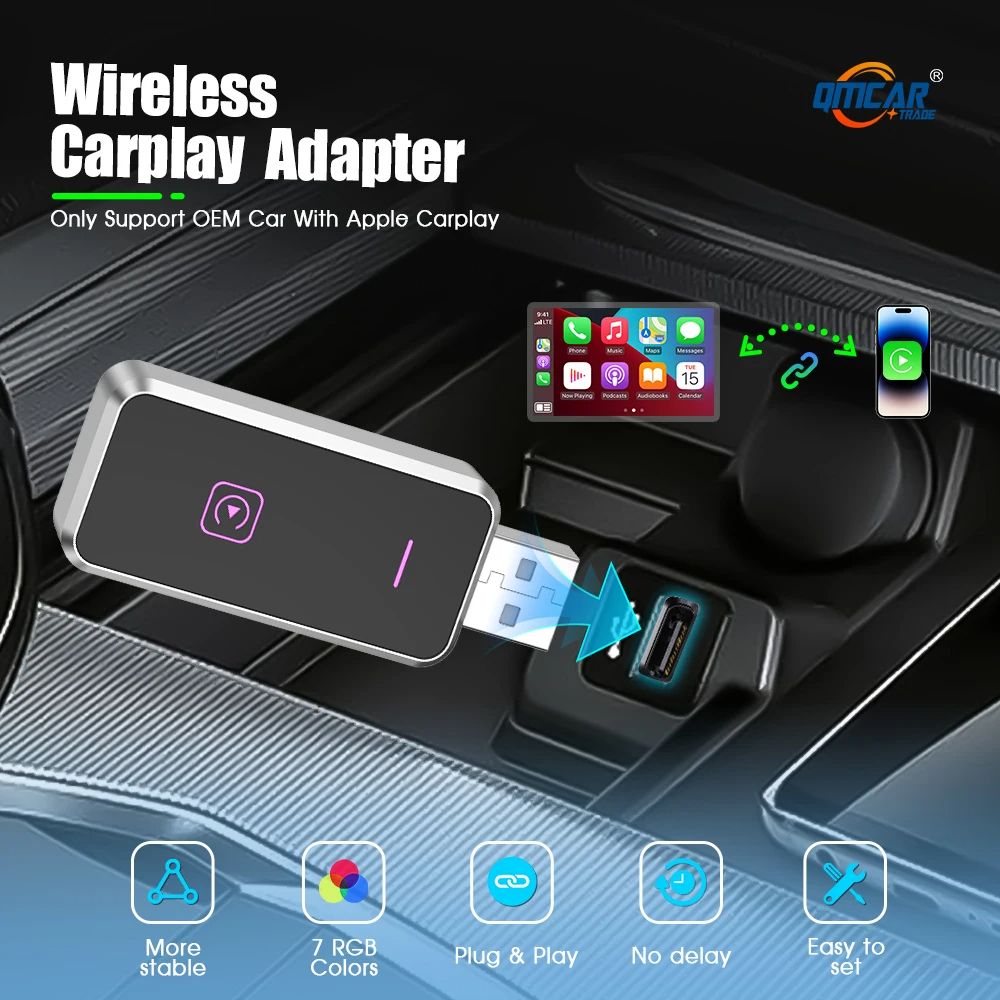
1. This product is only support OEM Car With Wired Apple Carplay
2.. No Wired Wired Carplayis no support /please dont't buy
3. This device does not support BMW/Tesla/Subaru/Mitsubishi/ (Nissan does not recommend buying it, as the compatibility is not good)

Support mobile phone

For Carplay: Supports iPhone 6 and above, and the software version is iOS 10 and above.

Product main functions

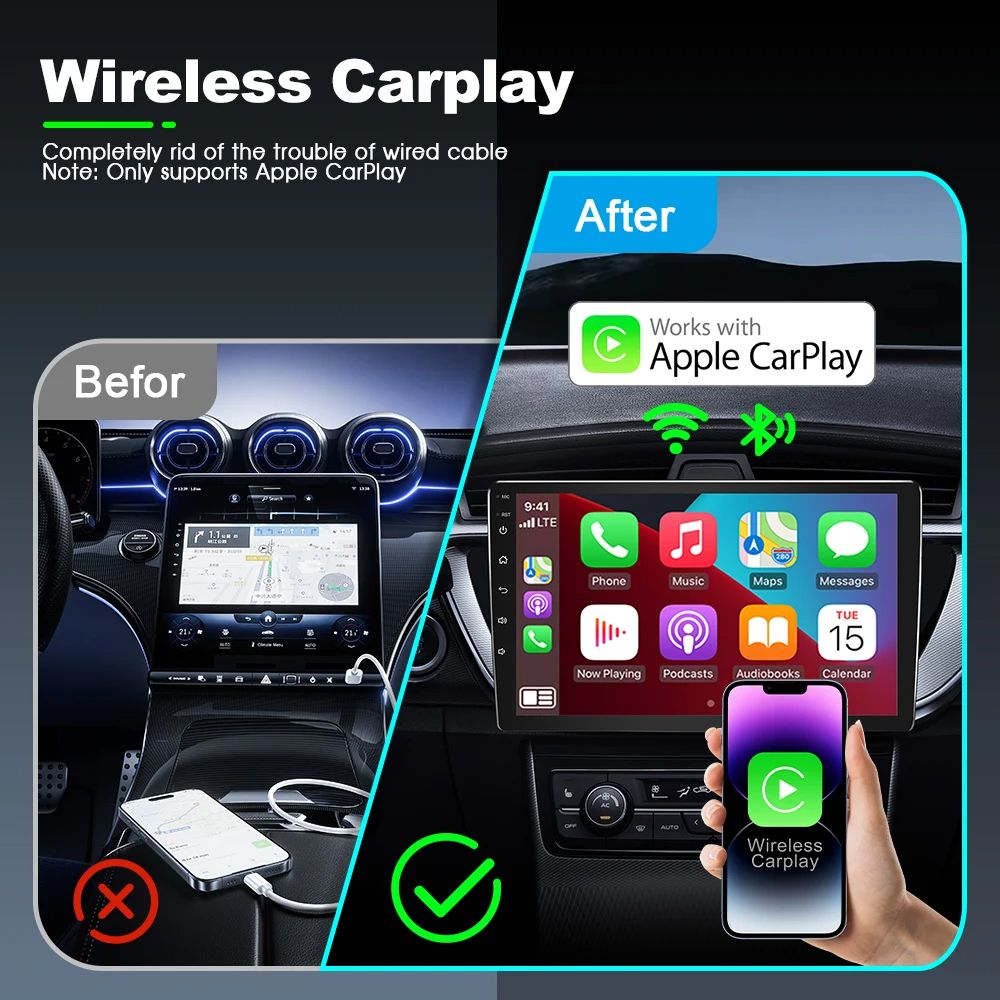
1. Wired Apple Carplay to Wireless Apple CarPlay

Technical Parameters

Product model: Z1
Product name: Car-to-machine interconnection wireless conversion box
Working current: 500mA
Rated voltage:<5V
Input port: USB or TypeC
Implementation standard: GB4943.1-2011

Upgrade method

1. Visit the backend page
Please use your mobile phone to quickly connect to the wireless conversion box Wifi: "CarPlayBox" and enter the password: "88888888".
2. Open the Safari browser on your iPhone and enter the IP address: "192.168.2.1"
3. Click "Access" or "Go" to enter the online upgrade background interface 4. (If you cannot enter, please check whether the Wifi of your mobile phone is correctly connected to the wireless conversion box.)

Firmware upgrade or downgrade

After entering the 192.168.2.1 background page, it will automatically check online to see if there is a new version of firmware. If the system prompts "New version found", please click "Upgrade" until the upgrade is completed; if the system prompts "Already the latest version", you do not need to upgrade the firmware, or click "Historical Version" to select the old firmware version for online upgrade .

Notice:

1. Please insert the wireless conversion box into a normal charging USB port to upgrade or downgrade the firmware. During this period, do not cut off the power or plug or unplug the wireless conversion box.
2. If the upgrade is abnormal, please turn off the power to make the USB port automatically power off, and then try the upgrade or downgrade again.
3. After the upgrade or downgrade is completed, refit the wireless conversion box into the car's central USB data port. At this time, the device number has been randomly updated, and you need to re-operate the Bluetooth and Wifi connections on the mobile phone.

About RGB lighting adjustment

Please use the mobile phone's quick-connect wireless conversion box Wifi: "CarPlayBox" and enter the password: "88888888", open the Safari browser on your iPhone, enter the IP address: "192.168.2.1", click "Visit" or "Go" to enter the online upgrade Backstage world. (If you cannot enter, please check whether the Wifi of your mobile phone is correctly connected to the wireless conversion box.)

2. After entering the background page, you can adjust the lighting display in the function settings.

Note: The wireless converter needs to be re-plugged and unplugged every time the light display is adjusted.

Warranty

This product comes with a 30 Days Manufacturer's Warranty, please click here for details.

For warranty and returns assistance please contact us.

Statutory conditions and warranties also apply.

Add to Cart
X

Notify me when the item is restock!


*please input your name


*please input your email


*please input verify code

I would like to receive your Newsletter to be the first to know about hot offers!
×

① For first time Afterpay customers the first payment will be made at the time of purchase, with payments over 6 weeks. Existing Afterpay customers first payment will be made in 14 days, with payments over 8 weeks. The full payment schedule will be provided to you at time of purchase.

② If you fail to have sufficient funds available for a afterpay to automatically deduct payment on due installment dates you will be charged a late fee of $10 and if the installment payments remains overdue one week late, an additional $7 will be charged.

zip